


U & Your Ride


BF Veteran
Joined: Jan 2009
Posts: 3,545
From: Tacoma-ish


ANSWER: dont post from your hard drive. put them anywhere on the internet, photobucket is a fairly widely used site, or just stick them in your User Create Profile PHoto Albums *shameless BF plug*
once they are some where in the interwebs.... right click-->properties-->copy the link listed as address (url)
from there you will type this and past the link in between the boxes ]img[link goes here]/img[ but reverse the brackets so as to make a box.
enjoy your new skillz
once they are some where in the interwebs.... right click-->properties-->copy the link listed as address (url)
from there you will type this and past the link in between the boxes ]img[link goes here]/img[ but reverse the brackets so as to make a box.
enjoy your new skillz
Last edited by ABN31B; Oct 16, 2009 at 02:09 PM.

BF Veteran
Joined: May 2009
Posts: 4,772
From: Halifax, NS, Canada

I use photobucket for everything. Just upload to there and copy and paste the [IMG] tag links they give you (there are several different options they give you, a direct link...embed code, etc) into your thread. That way the pics are right in the thread, and we don't have to click on each one to see the full sized pic.


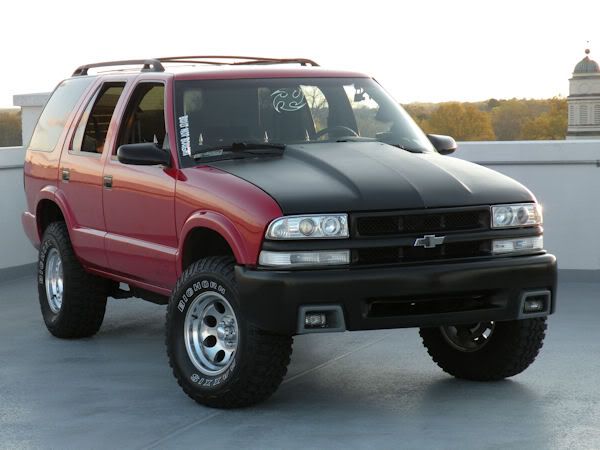
 the blazer stock
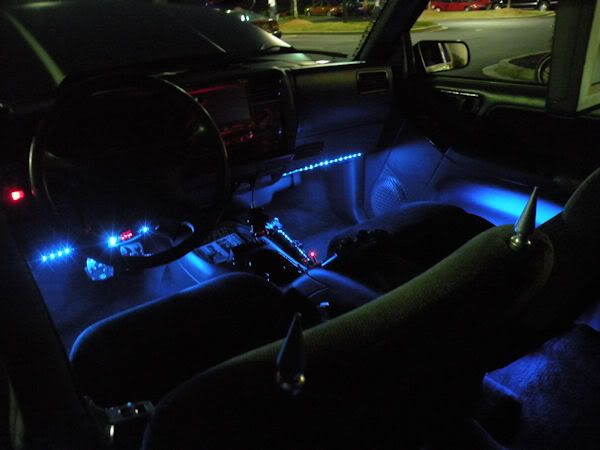
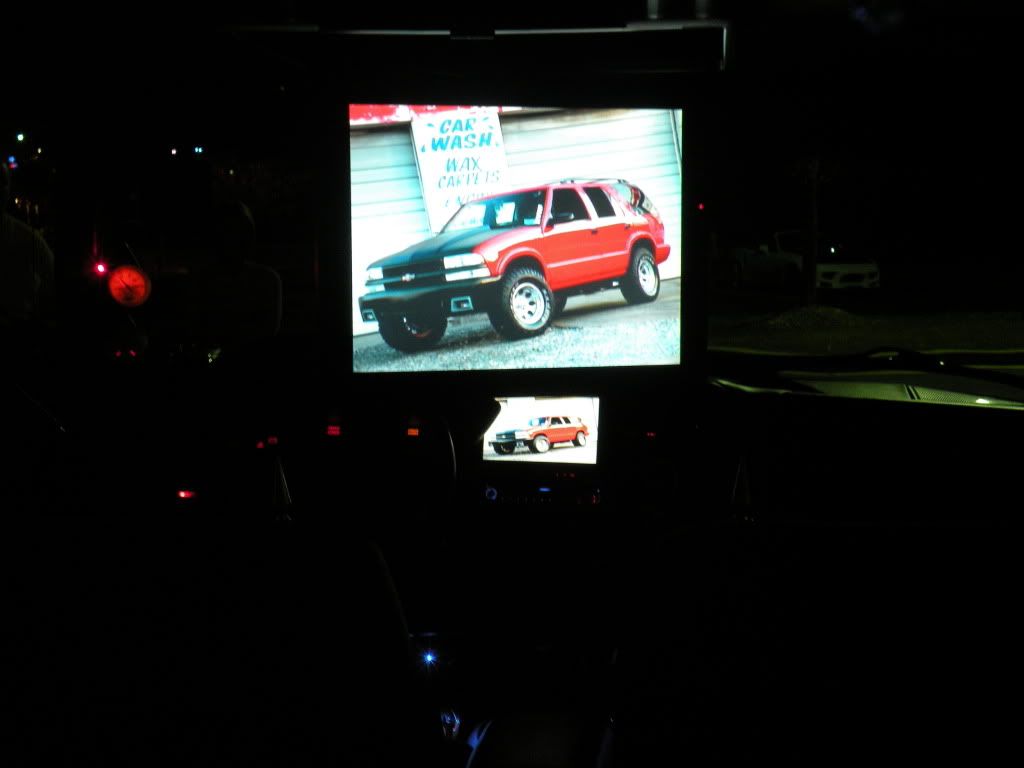
 the blazer now
 Smokedogg

Keith
24
1996 GMC Jimmy
Anderson, South Carolina
For mods check here... https://blazerforum.com/forum/garage...addblazer.html


My Wife and I...WTF was i smiling that big for??

My siberian husky Avalanche..

24
1996 GMC Jimmy
Anderson, South Carolina
For mods check here... https://blazerforum.com/forum/garage...addblazer.html
My Wife and I...WTF was i smiling that big for??
My siberian husky Avalanche..


 and kind of mad max-esque